|
Description
Latest News
Donation
If you want to help Balabolka, purchase my software Cross+A.
As long as people pay money for Cross+A, Balabolka will remain freeware. Thank you! Testimonials
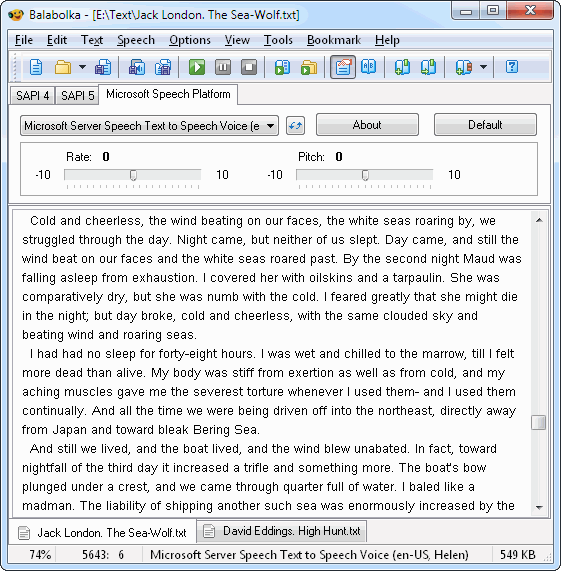
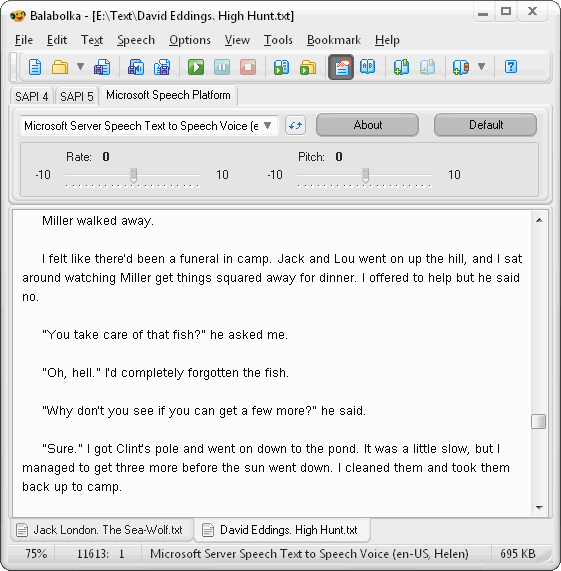
Balabolka is a free text-to-speech engine that boasts quality and flexibility worthy of a paid app. With all these features to make life easier when reading text on a screen isn't an option, Balabolka is best free text to speech software around. |
Balabolka is a Text-To-Speech (TTS) program. All computer voices installed on your system are available to Balabolka. The on-screen text can be saved as an audio file. The program can read the clipboard content, extract text from documents, customize font and background colour, control reading from the system tray or by the global hotkeys. Balabolka supports text file formats: AZW, AZW3, CHM, DjVu, DOC, DOCX, EML, EPUB, FB2, FB3, HTML, LIT, MD, MOBI, ODP, ODS, ODT, PDB, PRC, PDF, PPT, PPTX, RTF, TCR, WPD, XLS, XLSX.
Portable Version: Download ( MB)
Portable Balabolka does not require an installation and can be run from a USB drive. A computer must have at least one voice installed. Command Line Utility: Download ( kB)
The utility contains no graphical user interface and works only from the command line. The application handles various command line parameters to be able to read text aloud or save as an audio file. Text Extract Utility: Download ( MB)
The program allows to extract text from the various types of files. The extracted text can be combined into one file or/and split into few files. The utility works from the command line, without displaying any user interface. * Balabolka is a Russian word, it can be translated as "chatterer".
The application allows to use skins for customizing your window appearance. Download Skin Pack (6.7 MB, 107 skins)
Spell Checking Balabolka can use Hunspell (hunspell.github.io). Hunspell is the default spell checker of OpenOffice.org, LibreOffice and Mozilla Firefox. Spell checker dictionaries for Windows: Language modules from Microsoft Office 97/2000 can be used for spell checking. If Microsoft Office is not installed on your computer, or you use the other version of Microsoft Office, you can download spell checking components from my web-site: Balabolka allows to use the spell checking built in operating system. The Spell Checking API is available beginning with the Windows 8. |